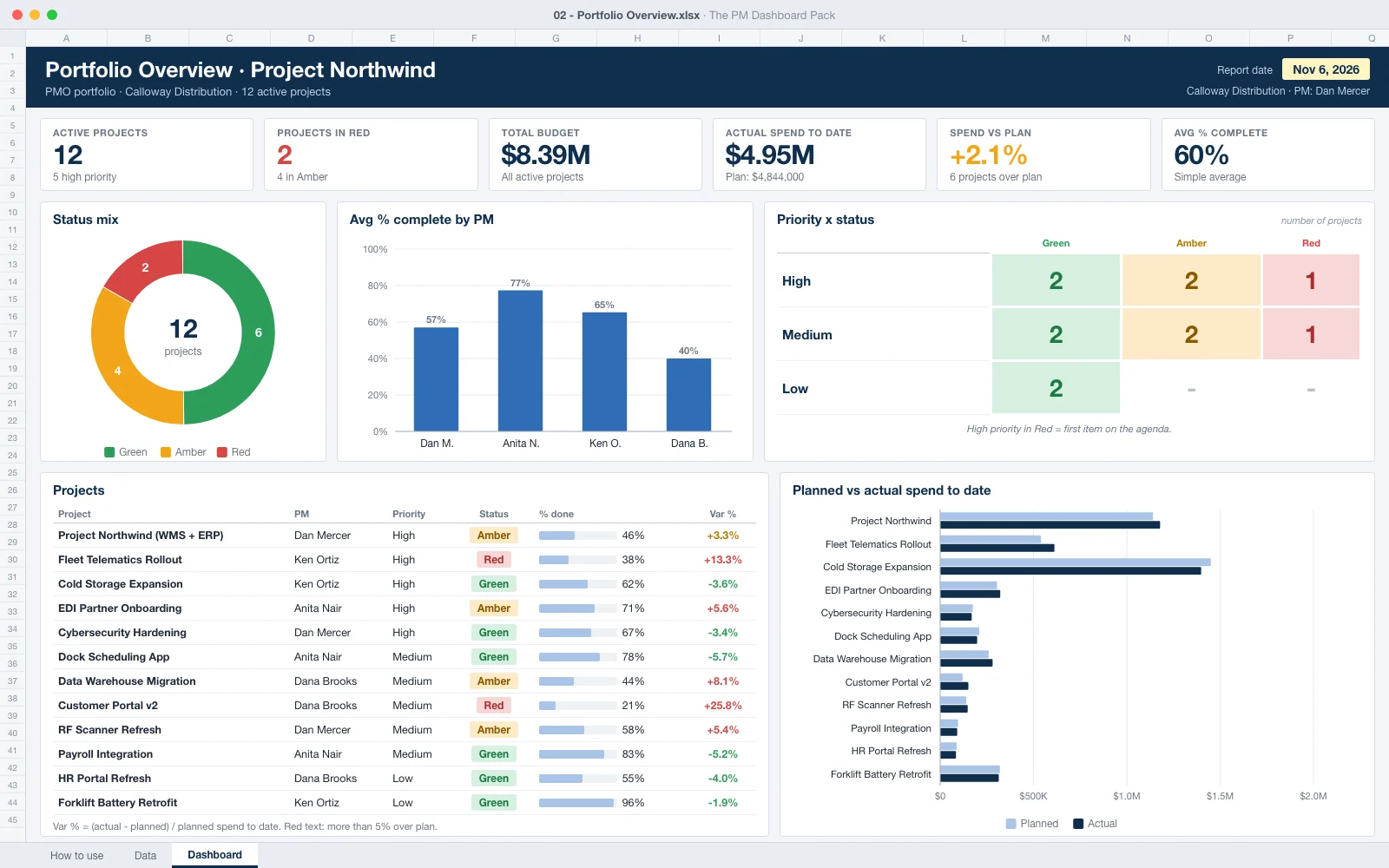
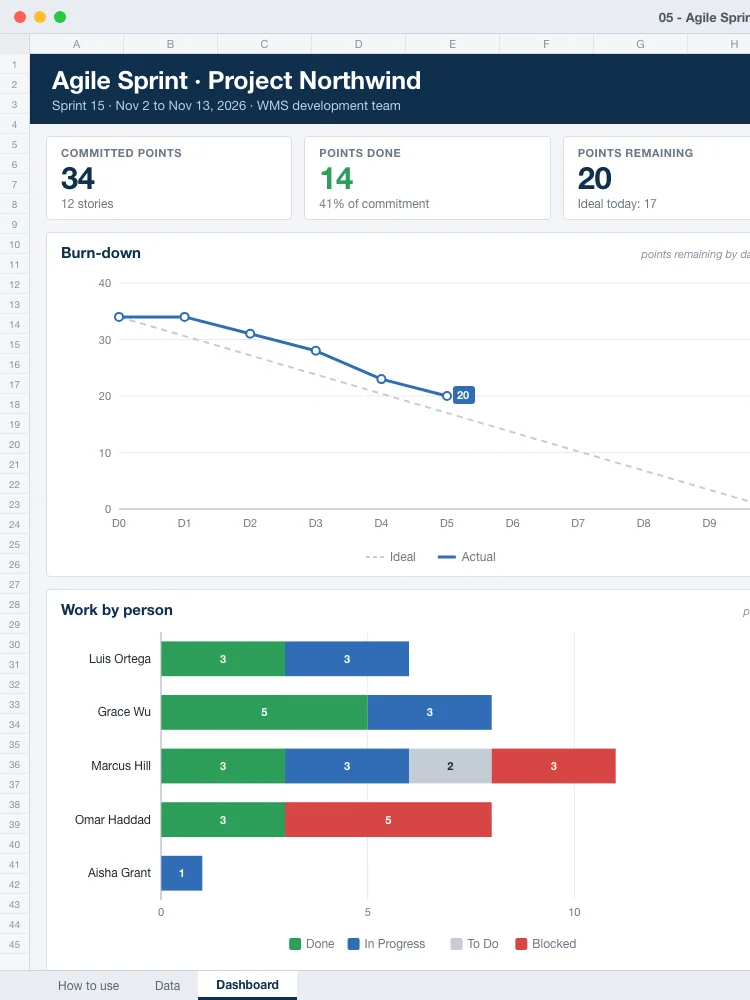
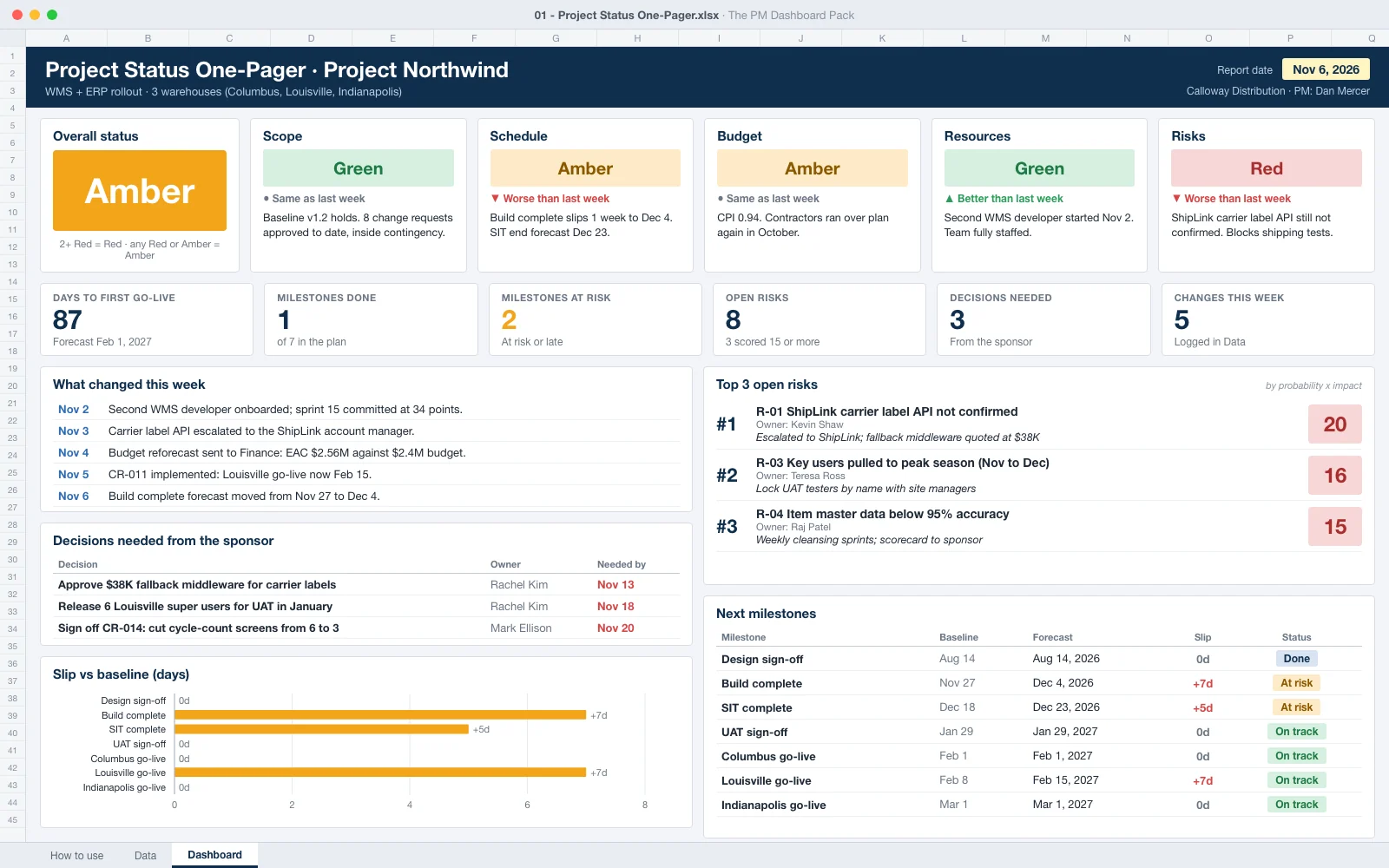
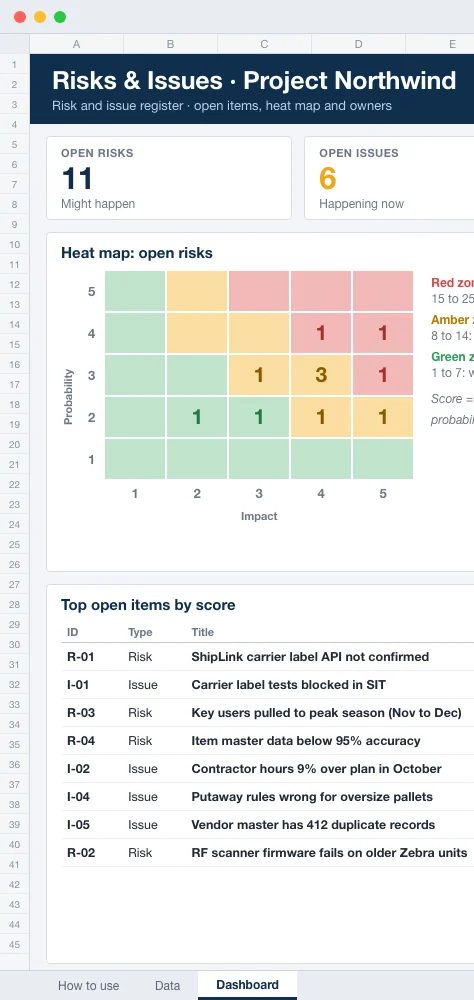
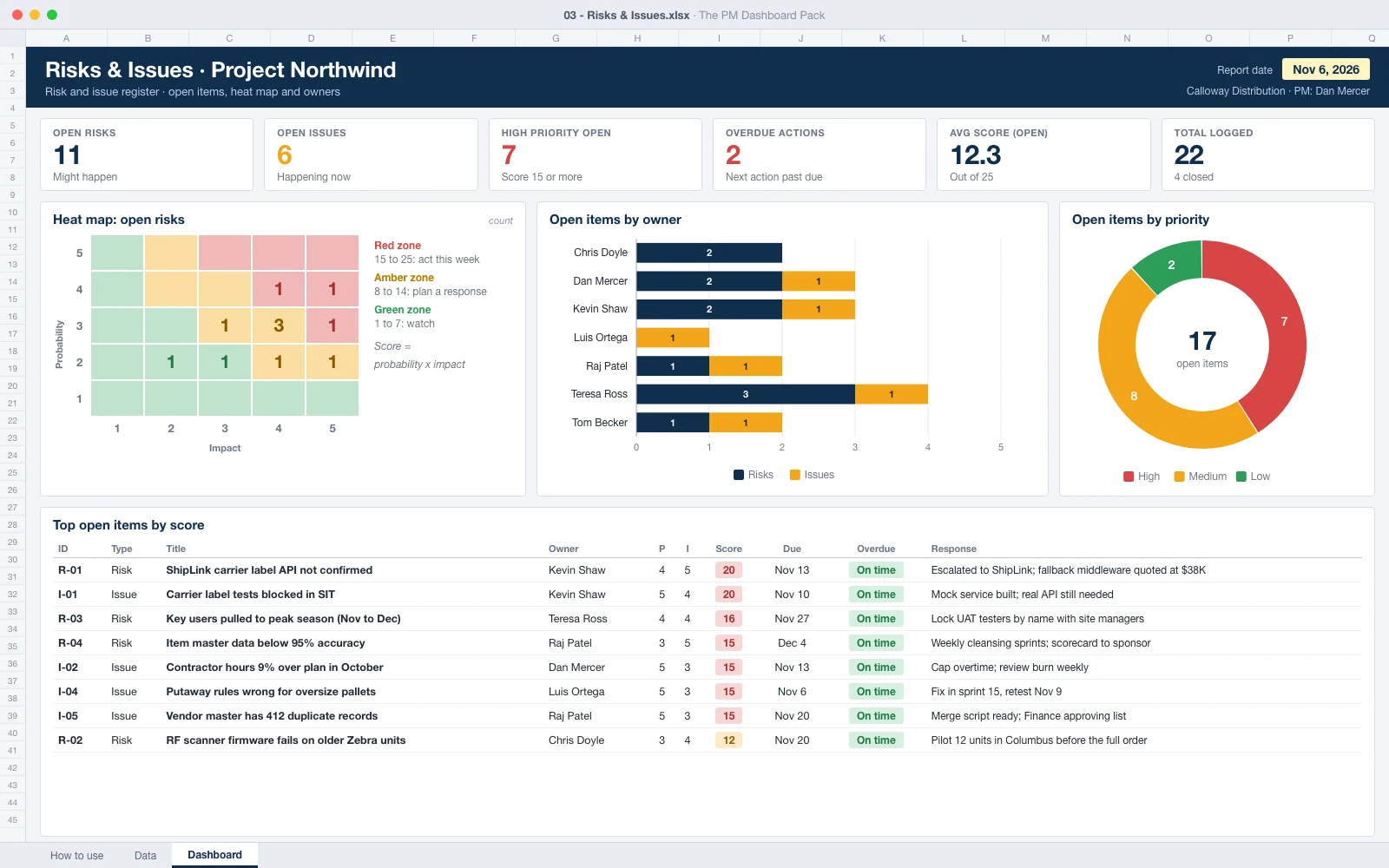
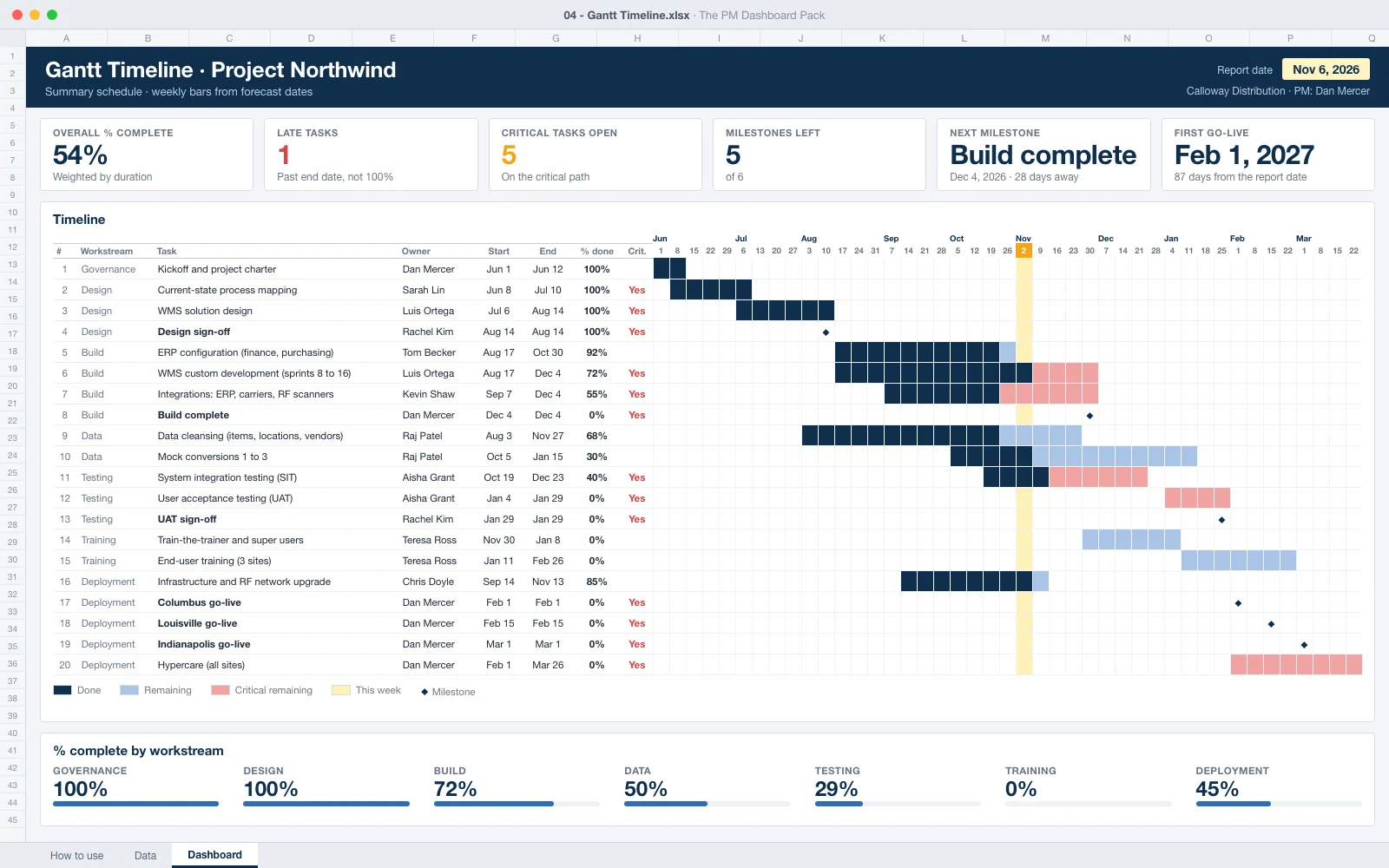
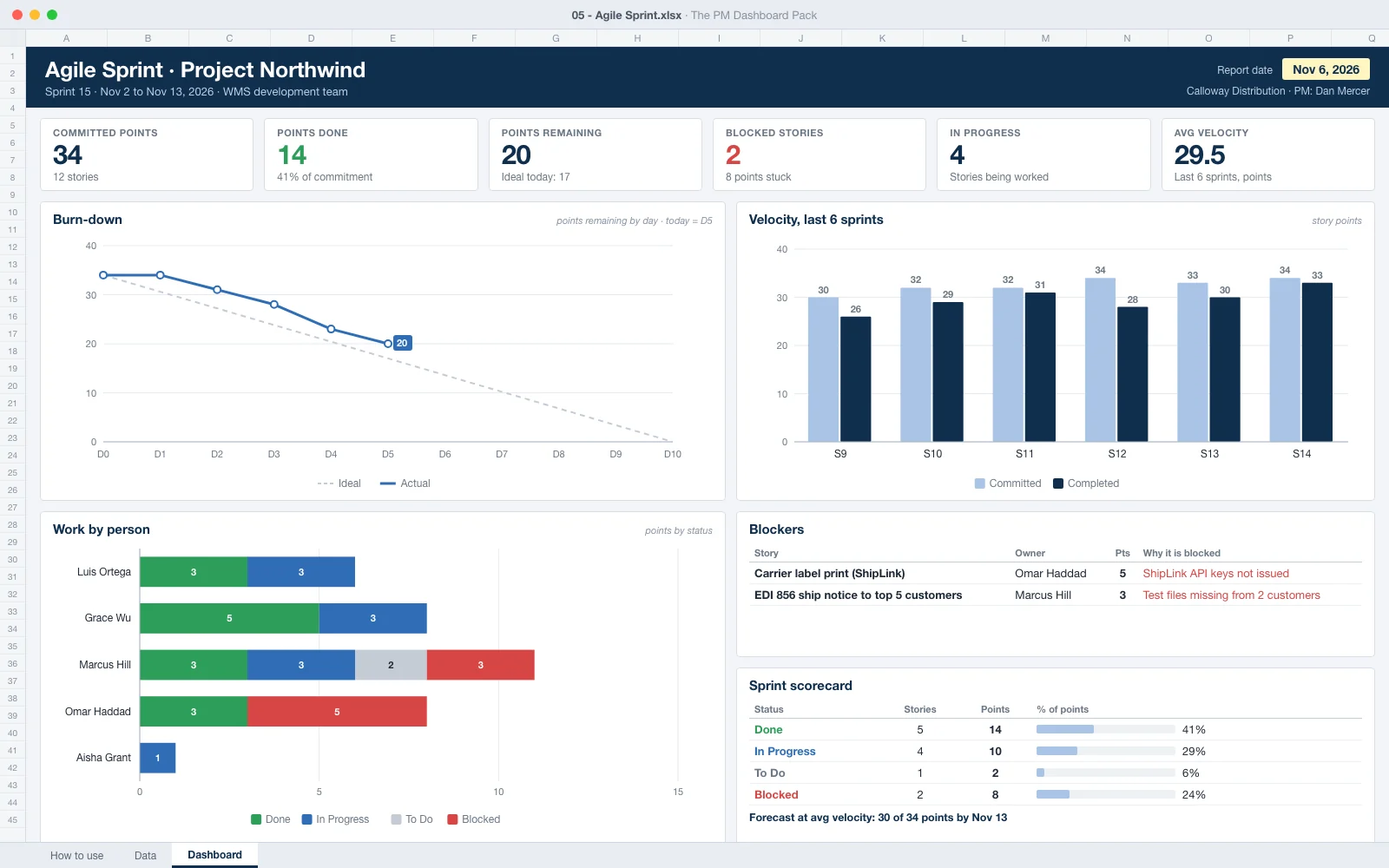
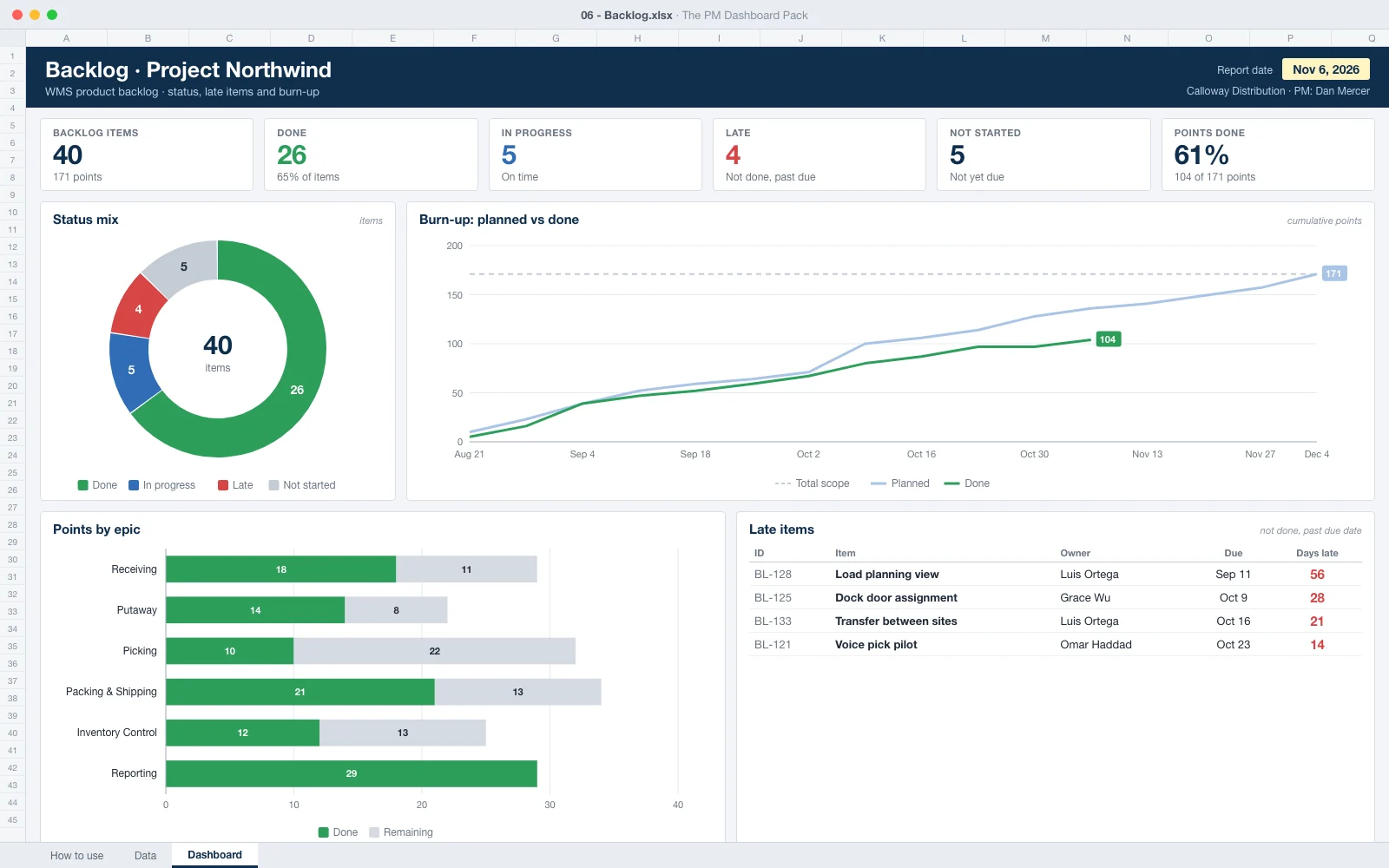
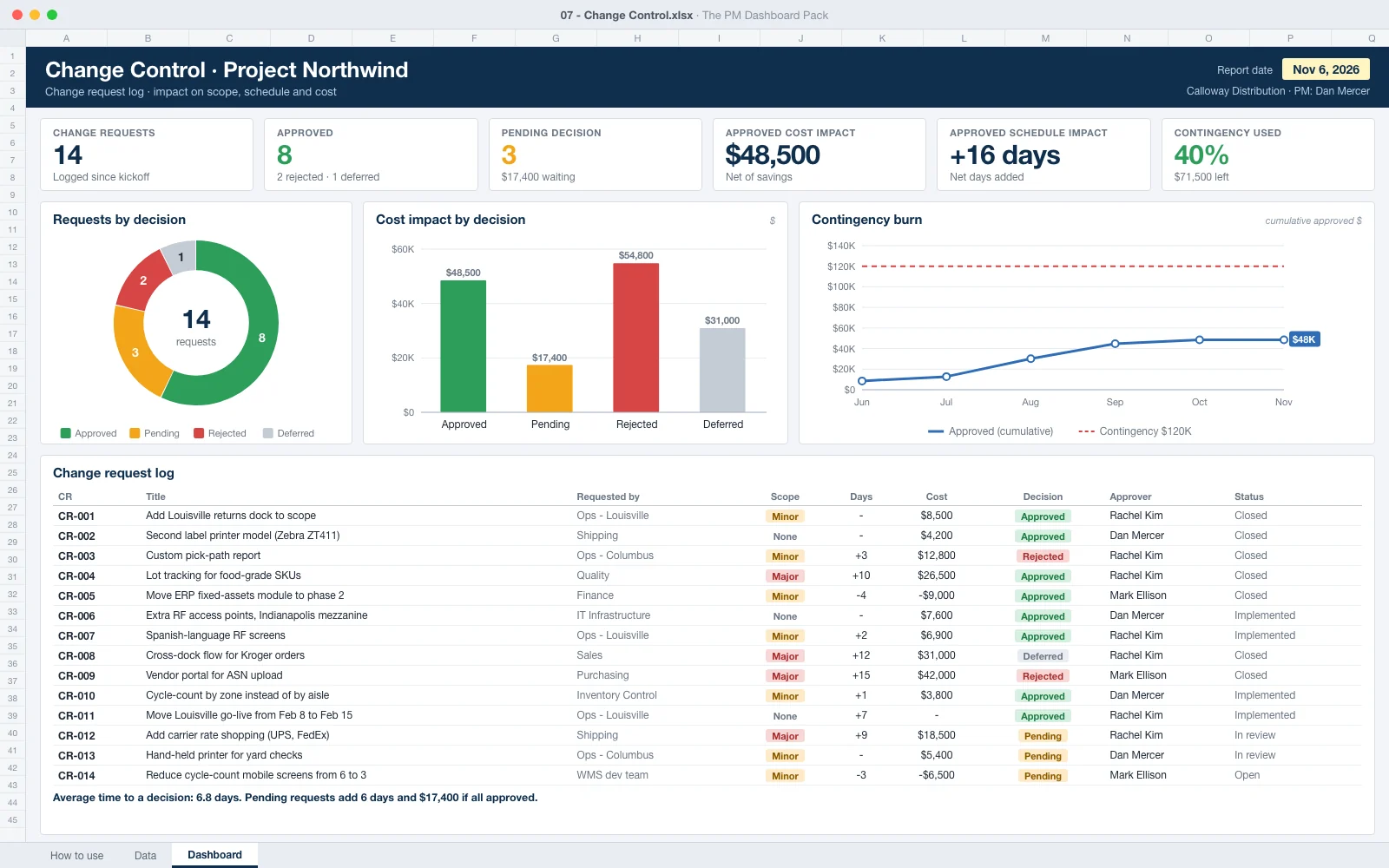
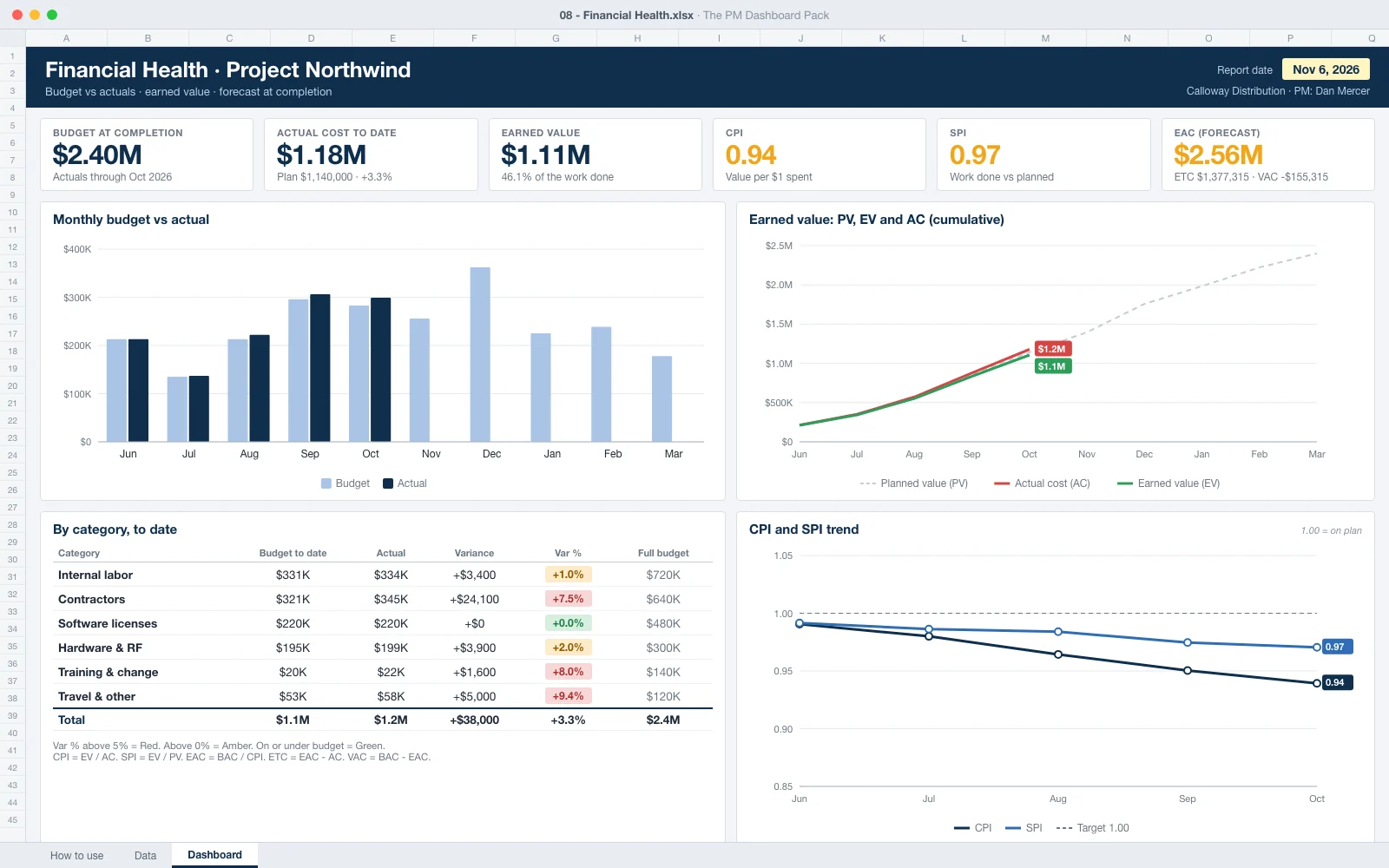
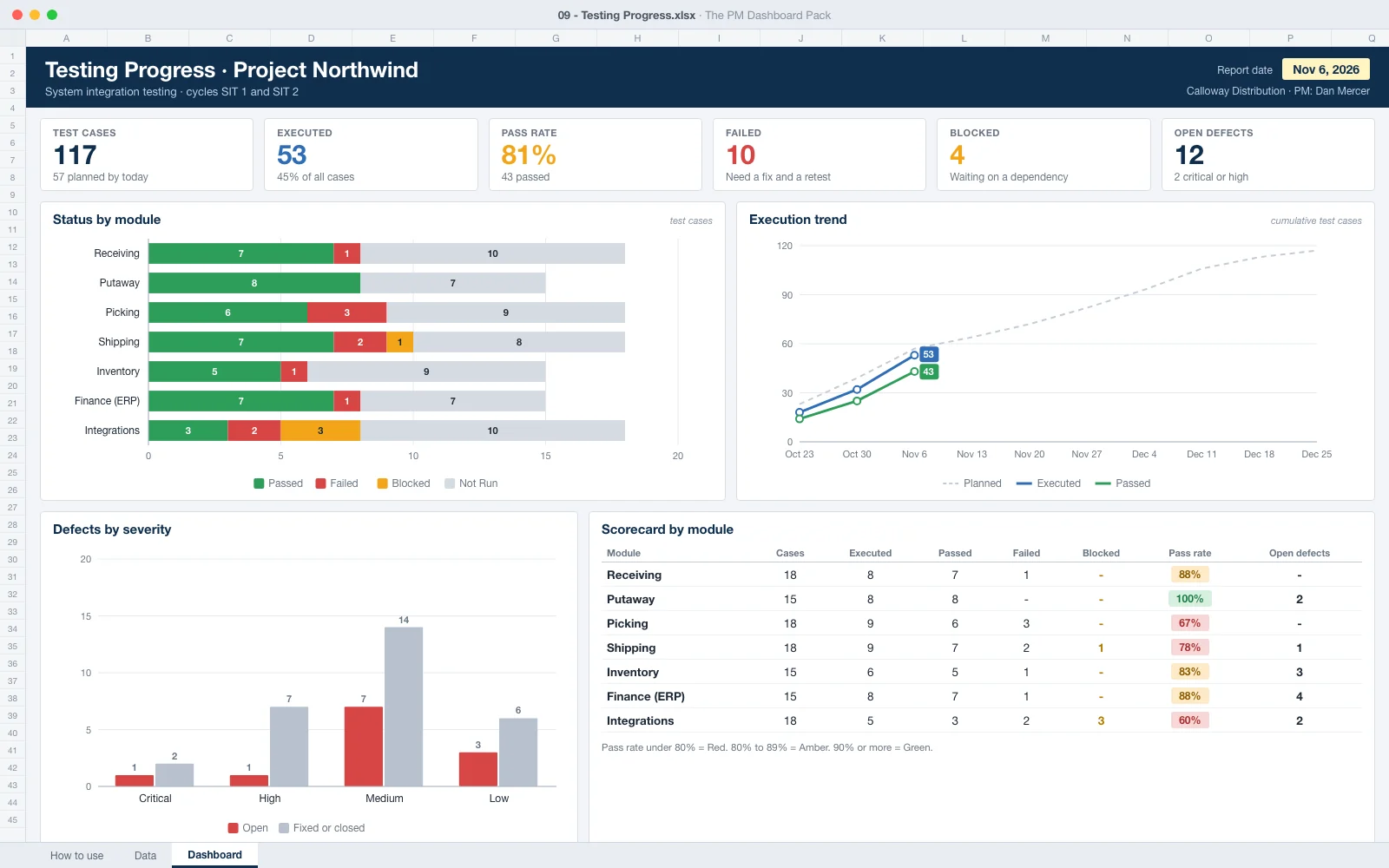
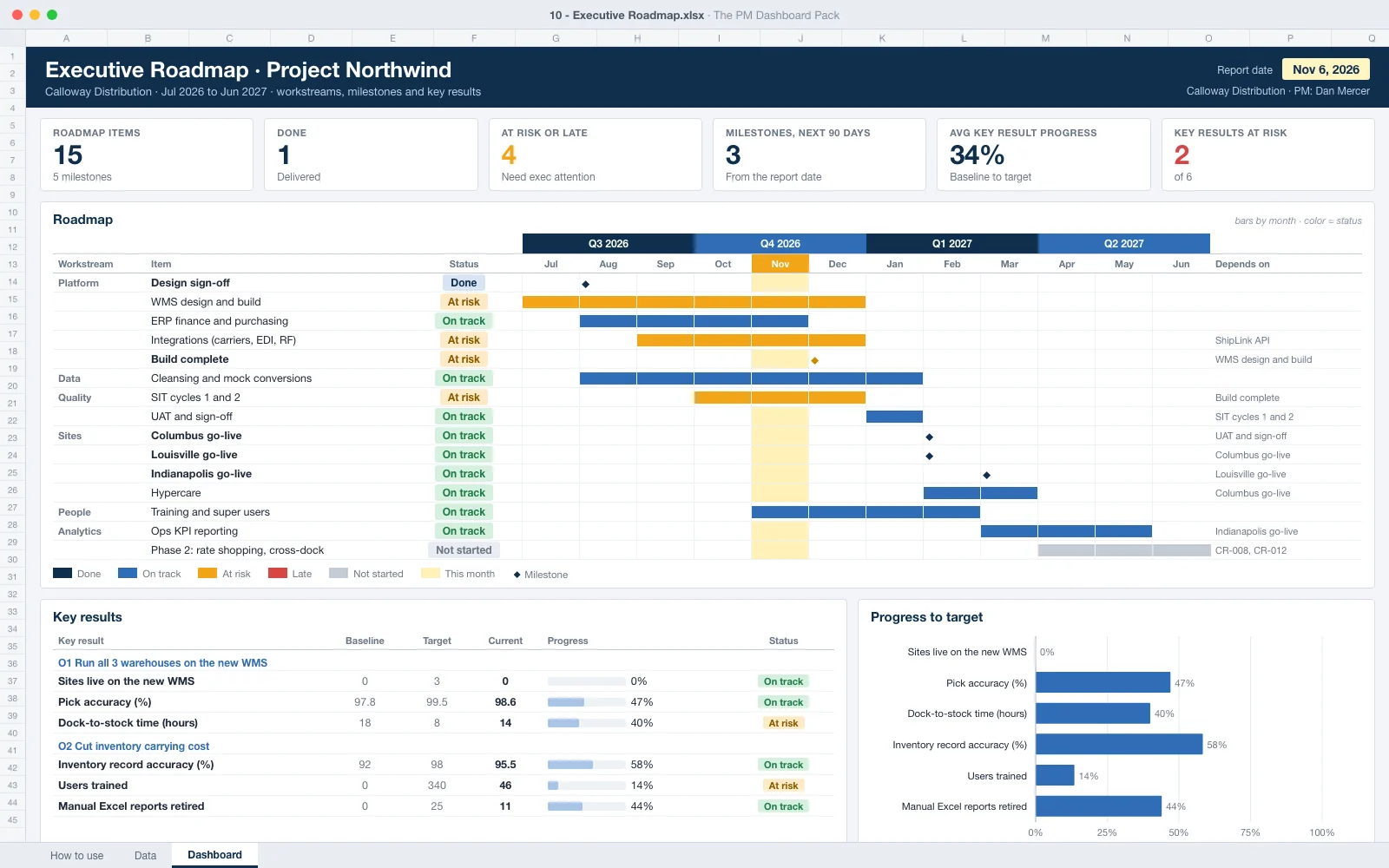
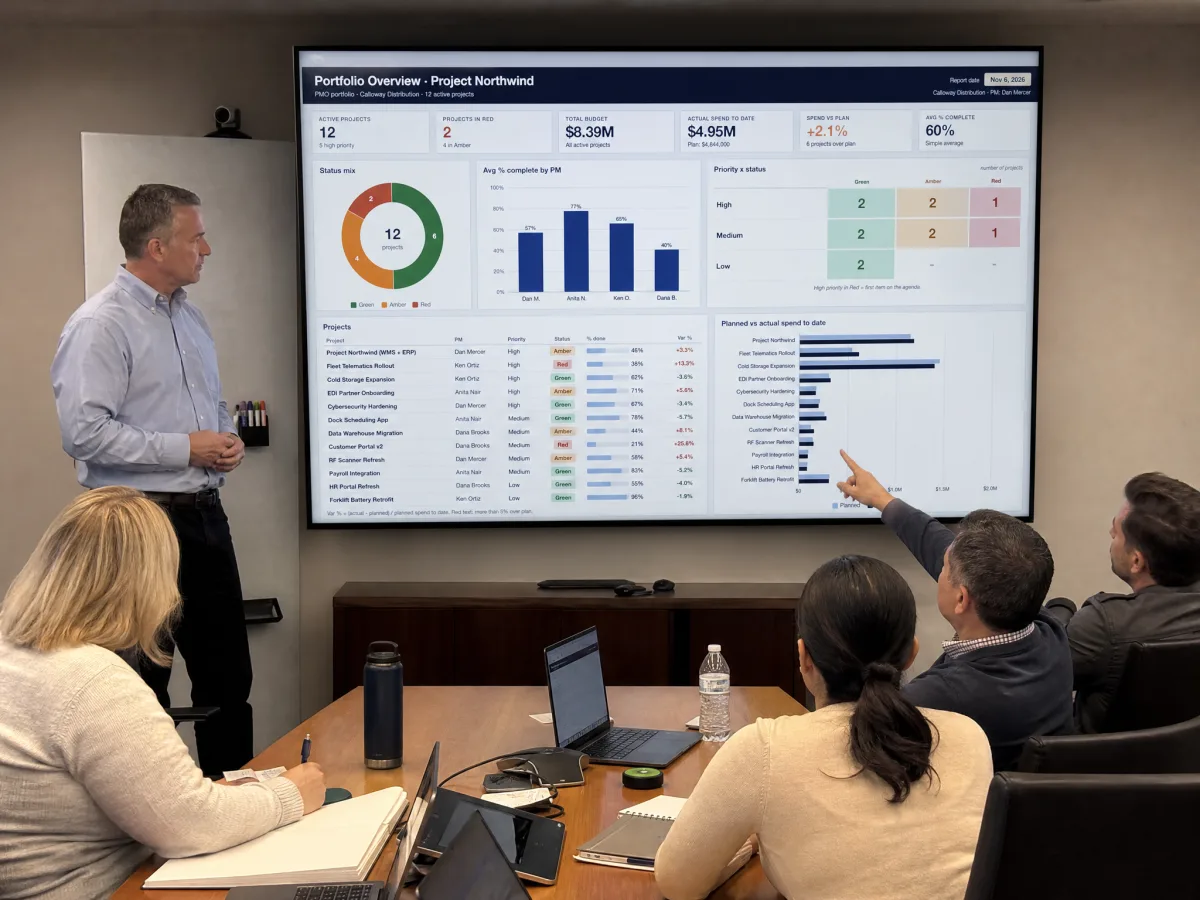
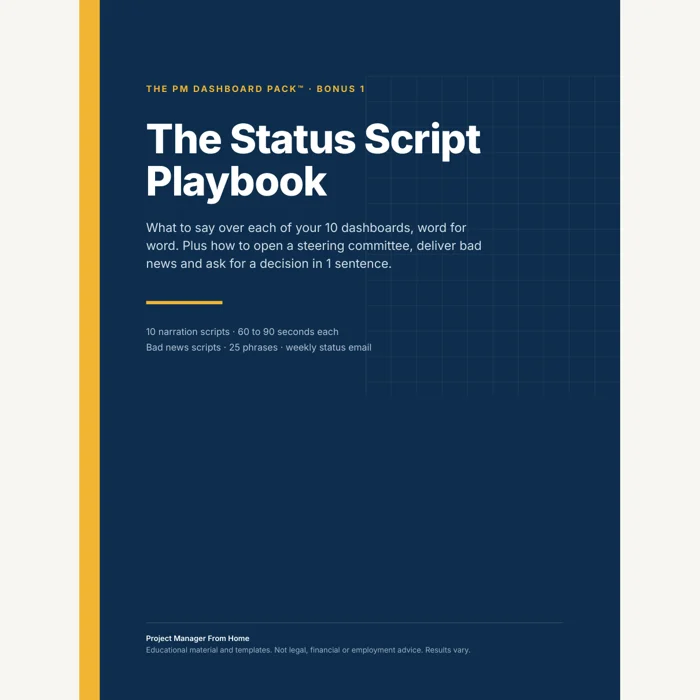
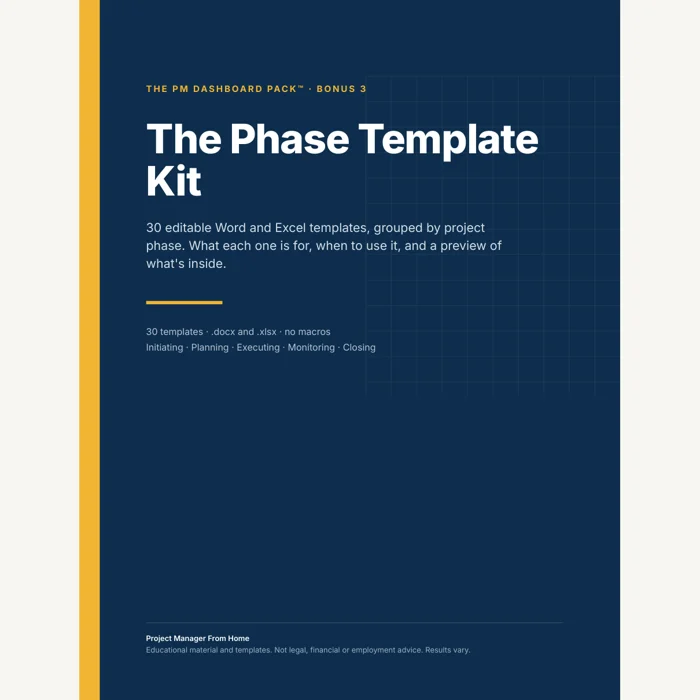
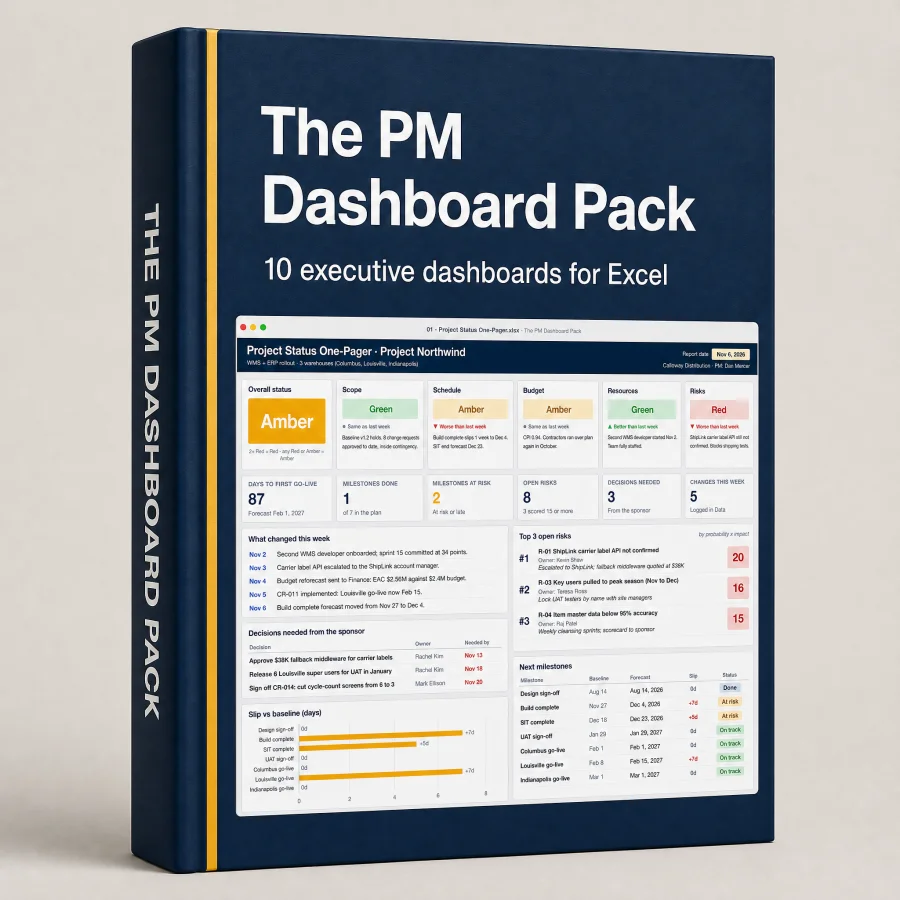
Get a set of executive dashboards that show every stage of your project on one clean page each. Drop in your numbers, print, and walk into the steering committee.
No course and no macros. Fill it in and present.
↓ See the Pack ↓

Every dashboard reads from one simple data tab. Change a date or a dollar amount and the whole page updates itself. Works in Excel 2019 or newer and Microsoft 365.

For two years my Friday status deck kept me at my desk until seven, and the sponsor still asked me if we were on track or not. I set up the Project Status dashboard on a Sunday night with my real numbers. Monday's steering meeting ran twenty-five minutes. On the way out the VP asked me to send him that one page every week. Nobody above me had ever asked for my report before.

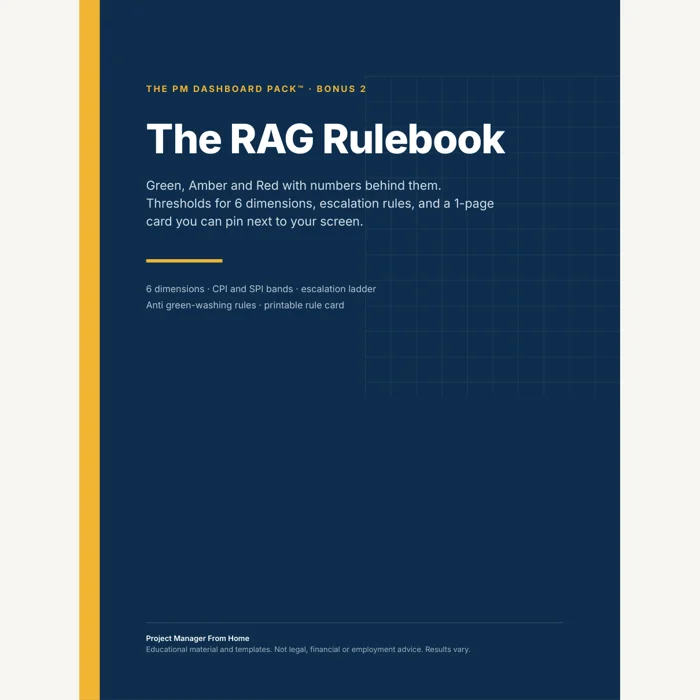
We used to burn half of every steering committee arguing whether a project was yellow or red. I printed the RAG rulebook and taped it to the conference room wall. Nobody argues about colors anymore.

I run commercial build-outs and I'm on site most of the day, so reporting happened at ten at night on the couch after my kids were asleep. My wife had stopped asking when I'd be done. Now the owner's rep gets the Gantt and the budget page straight from the Data tab I update at lunch. Last Thursday I shut the laptop at five thirty and made it to my son's practice. Small thing. It had been a year.

Picked up a weekend job running a remodel for a local contractor. Sent him the one-pager after week one. He forwarded it to his bank and called me about his next build that same night.

Three months into my first PM job I had to present to the CIO, and I was sweating it for a week. I used the field guide and read the status script almost word for word. My director pulled me aside afterward and said it was the clearest update he'd heard all quarter. I still have that Teams message saved.

The financial dashboard turned my budget line red three weeks before month-end close. Eleven percent drift on contractor hours. I walked into finance with the page printed and a change request ready. Fifteen years in, and that's the first overrun I caught before somebody caught me.
Inspired by what project managers share online. Results vary.
All this for $297 today only
$27
One payment. Instant access. 7-day money-back guarantee.
I want my Dashboards!If for any reason you decide The PM Dashboard Pack isn't for you, email us within 7 days and we refund every penny. Fast, with no questions and no fine print. You keep what you downloaded.
In your private online library. The link shows up on the confirmation screen right after payment and in your email. You log in with the email you used at checkout and download every file from there.
It's instant. As soon as the payment is confirmed you can open the library and download the pack.
Give it 10 minutes and check your spam or promotions folder. If it's still not there, email ask@digitalmaterials.store with your order number and we'll sort it out the same day.
The dashboards are Excel files (.xlsx) built for Excel 2019 or newer and Microsoft 365, with no macros. They also open in Google Sheets and Numbers, where some charts can look a little different. The templates open in Word or Google Docs and the guides are PDFs that open on any device.
Yes. Put your logo and colors on them, print them and use them on your own projects and your clients' projects. The only thing you can't do is resell the templates themselves.
The dashboards follow the phases every project goes through, so they work for IT, construction, operations, marketing or product projects, on agile, waterfall or hybrid. You rename the categories to fit your job.
You're covered by the 7-day money-back guarantee. Email ask@digitalmaterials.store and we refund you in full. Details in our refund policy.